Digital
Programming with Claude Code: how my work has changed
Tobias Reinhardtapprox. 5 min read
For over twenty years I typed code line by line. Since I started programming with Claude Code, I describe what the software should do, run several sessions side by side and read more than I write. What has changed, what went wrong, and why rules and review now matter more than the keyboard.
 AI-generated
 Describing instead of typing
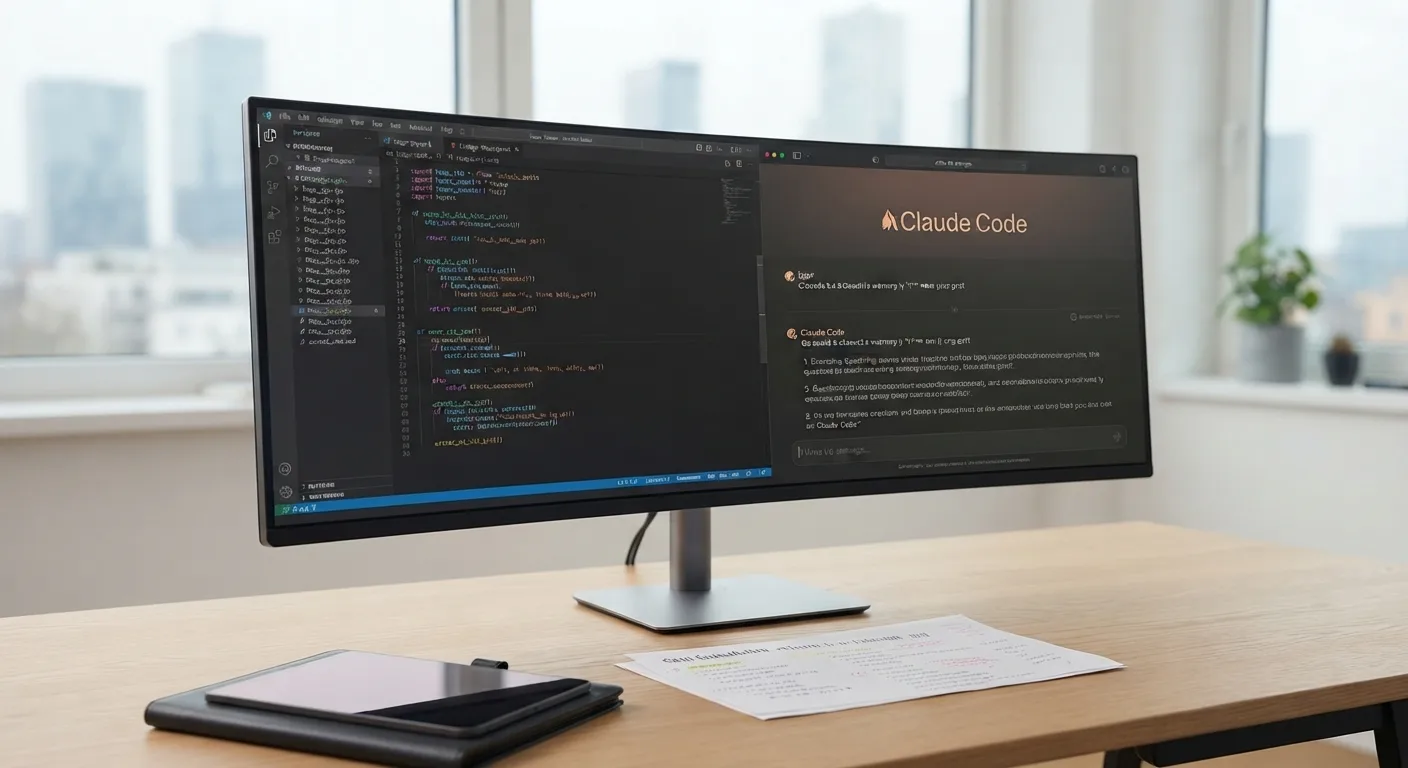
I taught myself to program at school: HTML, CSS, PHP, MySQL. For more than twenty years, programming meant this to me: open the editor, type line after line, save, reload the browser, hunt for errors. Since I started working with Claude Code, an AI programming tool from Anthropic, my work begins differently. I describe what the software is meant to do, often by speaking rather than typing. The tool reads the existing code, changes files and runs commands. I read the result.
That sounds like less work. It is different work. The time that used to go into typing now goes into the question of what I actually want. A vague description produces sharp-looking code that does the wrong thing. That is why I now phrase things more carefully than I ever typed them. My website has said for years that good software starts with the right questions, not with code. With an AI tool, that is true word for word.
Several sessions in parallel
The biggest adjustment was running several sessions at the same time. On my website, one session builds the content management system in PHP, another develops the blog strategy and the writing rules. Both work on the same project. To stop them overwriting each other's files, they coordinate who touches what. In its documentation, Anthropic describes separate working copies of the project for this, so that parallel changes do not collide, and a view in which several sessions run side by side.
To me this feels less like programming and more like leading a small team. I hand out tasks, often several in quick succession, even in the middle of ongoing work. I do not wait until one session is finished, I look in on the next one. Anyone who has ever led specialists knows the downside: hand out too many tasks at once and you quickly lose track of what is happening where. The only remedy is to separate the tasks cleanly.
Writing down the rules
The first blog post the AI wrote for me was bloated, barely comprehensible, a text full of nonsense. My response was to write down rules: invent nothing, no empty phrases, no direct address, short sections with short subheadings, always a conclusion, factual but entertaining. Since then, every session reads these rules before it starts.
That is exactly what Claude Code is designed for. According to Anthropic, the tool reads an instruction file in the project at the start of every session, setting out standards and decisions. But the documentation also says openly that such rules are context, not an enforced setting. That matches my experience: the AI initially misunderstood a rule about court rulings. On one occasion, two posts on the same ruling appeared. Rules help, but they do not replace looking at the result.
The same goes for code. Details that matter to me are now set down in writing: the content box next to a post must not scroll, publishing works via a switch with no extra save step, photos are real and bright, with no text in the image. What I would once have explained to every developer by word of mouth is now in a file. That is the part that demands the most discipline from me.
Checking remains manual work
By default, Claude Code asks before it changes files or runs commands. In its documentation, Anthropic writes that the user is responsible for reviewing proposed code and commands before approving them. I have seen why that is in there. The first drafts for the blog ended up in the local test database rather than the live system. No error in the code, an error in my description. That turned into an import button, and that turned into the habit of looking at every result before I hand out the next task.
Checking assumes I understand what I am reading. I still write code myself, which is why I know what is technically realistic and what merely sounds good. That ability has become more important with the AI tool. The code is produced faster than I can read it. What I do not read still runs. That is convenient and dangerous at the same time.
What changes for companies
Anyone commissioning software in a company, internally or externally, will very likely receive code that was produced this way. In my experience, that shifts where the value of the work lies. The description of the task becomes the most important document, because the tool fills every gap in it at its own discretion. The rules that apply to a project belong in writing, because every new session starts without a memory.
And the review needs someone who understands the subject. On my blog, AI agents write drafts in parallel, check their sources and flag uncertain points. Every post is still read and approved by me. It is the same with code. The AI works fast, but it needs clear rules, and someone has to take a look. Those three sentences sum up what I have learned over the past few weeks, and none of them is about typing.
Conclusion
Programming with Claude Code has shifted my work from writing to describing, steering and checking. The keyboard is in use less often, my judgement more often.
The tools have changed, the ambition has not: software that people enjoy using. Whether that succeeds is still decided by the person who describes the task, sets the rules and reads the result.