Digital
Usability beats feature count
Tobias Reinhardtapprox. 6 min read
At the point of purchase, the software with the longest feature list wins; in day-to-day use, it's the one that's easy to operate. Usability research and employee surveys show why usability decides whether software succeeds or fails in a company, and where the range of features still matters.
 AI-generated
 In the brochure, the long list wins
Suppose you have two programmes to choose from. One offers 200 features, the other 40. Anyone who only knows the brochure goes for the first. Anyone who has worked with it for six months often sees things differently. Hence my thesis: usability beats feature count, because software only has an effect if people use it willingly.
Researchers at the University of Maryland measured this pattern in 2005. As long as participants only saw feature lists, 66 per cent chose the model with the most features. In a second experiment, participants had to operate digital video recorders themselves, and afterwards 56 per cent preferred a simpler device. The researchers called this "feature fatigue": before use, what a product can do counts; after use, how easy it is counts.
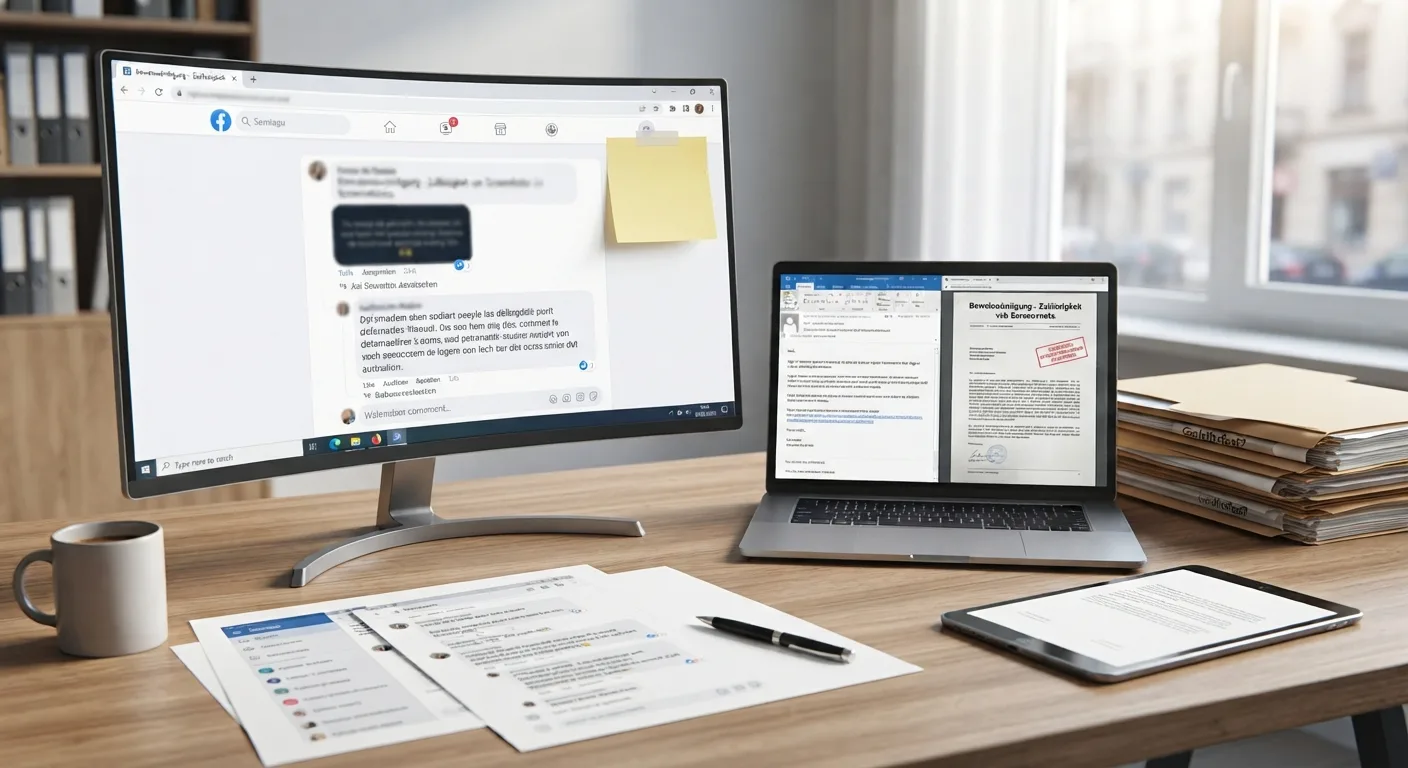
Business software is bought in the first state, with a requirements catalogue, a comparison table and a demonstration in which the vendor shows every feature once. Those who later work with it every day are not always asked. In a survey of 399 employees in Germany in 2024, a good quarter said their employer took no account whatsoever of staff preferences when selecting software.
Four out of five features lie idle
What becomes of all those features in practice was analysed in 2019 by the analytics provider Pendo, using anonymised usage data from 615 software products. 80 per cent of features were rarely or never used. Conversely, 80 per cent of daily use was accounted for by twelve per cent of the features. For a vendor with 50 million dollars in revenue, Pendo calculated that around 8.4 million dollars go into features that hardly anyone touches. The customers pay for it, through the licence and through crowded menus.
How such menus come about is shown by the history of Microsoft Word. The first version from 1989 had two toolbars, Word 2003 had 31, and the number of menu entries grew from around 50 to around 300. Microsoft found that users were asking for features the programme had long had. The users simply could not find them. A feature that nobody finds does not exist for the user, but it does exist in the price of the software.
What usability measures
Usability sounds like a matter of taste, but it has a fixed definition. The international standard on software ergonomics measures usability against three variables: whether the user achieves their goal, with what effort, and how satisfied they are in doing so. The number of features does not appear in this definition. One of the seven design principles in the same series of standards is suitability for the task: the software should help the user complete their task simply and directly.
In his ten rules for good interfaces, usability researcher Jakob Nielsen notes that every additional element on the screen competes with the important elements and makes them less visible. What is more, by his calculation the possible interactions between features grow with the square of their number. Every new option needs space on the screen and an entry in the menu, and creates a new source of error. In Nielsen's observation, choosing between options costs users more mental effort than the options save them.
Frustration costs more than the licence
In 2021, Gartner surveyed 4,953 employees in the USA, France, Germany and Singapore, all in companies with 100 or more staff. 60 per cent had been occasionally or frequently annoyed by new software in the preceding two years, and 56 per cent wished they had the old system back. 40 per cent responded to bad experiences by using only the most essential features, avoiding the application or putting off getting started. Gartner analyst Craig Roth sees the cause in vendors piling up features to keep pace with competitors, thereby delivering overly complex products that are hard to use.
GetApp's 2024 survey of employees in Germany produced a similar picture. 60 per cent named usability as the most important quality of the technology they work with. 53 per cent described dealing with poorly designed interfaces as their biggest challenge, and a quarter actively use no more than half of the programmes provided to them. For a company, that means: the licence is paid for, the rollout has happened, and part of the workforce is working around the new tool.
That matches what I have experienced in digital projects: internally as well as externally, user acceptance decides between success and failure. That is why I involve the eventual users early, take their workflows seriously and build the software around their work. What sticks is whether an application responds quickly, feels reliable and makes the work easier.
Where feature count does matter
The counter-position deserves an honest answer. One of the best-known models in acceptance research, the Technology Acceptance Model from 1989, explains the use of software with two factors: perceived usefulness and perceived ease of use. In the studies on it, usefulness was the stronger factor. A programme that cannot handle the actual task helps nobody, however tidy it looks. Nielsen says the same: software only becomes useful when it has the features that are needed and those features are easy to operate.
Two qualifications should be added. Experienced users can cope with more features than occasional users. Nielsen cites the example of the professional version of an image editing programme with hundreds of features that professionals use daily and therefore also learn. And simplification has a price too: when Microsoft replaced the menus with the ribbon in Office 2007, users in one survey estimated their loss of productivity at around 20 per cent. Usability is therefore always relative to the people and tasks a piece of software is intended for.
None of this changes the thesis. In the acceptance model, ease of use works through usefulness: what is laborious to operate is also experienced as less useful. The benefit of a feature only arises once someone finds it and uses it. According to the usage data, that hardly ever happens with four out of five features, and then all that remains of the long list in everyday work is its length.
Conclusion
Software is bought on feature count and used on usability. Studies from 2005 to 2024 show the same pattern: before use, the long list is tempting; after use, the short path to the task counts. What employees avoid digitalises nothing, however much it can do.
I ask three questions of every project: who will work with it, what becomes easier, and whether it will be used gladly. The number of features is not among those questions.